
Within the past month, Facebook has recently made some changes that do impact your brand’s social media strategy and targeting efforts. Some of the updates are good news for you and some that will make you work just a little harder at reaching your dedicated followers and potentially new followers.
A New Layout to Your Page
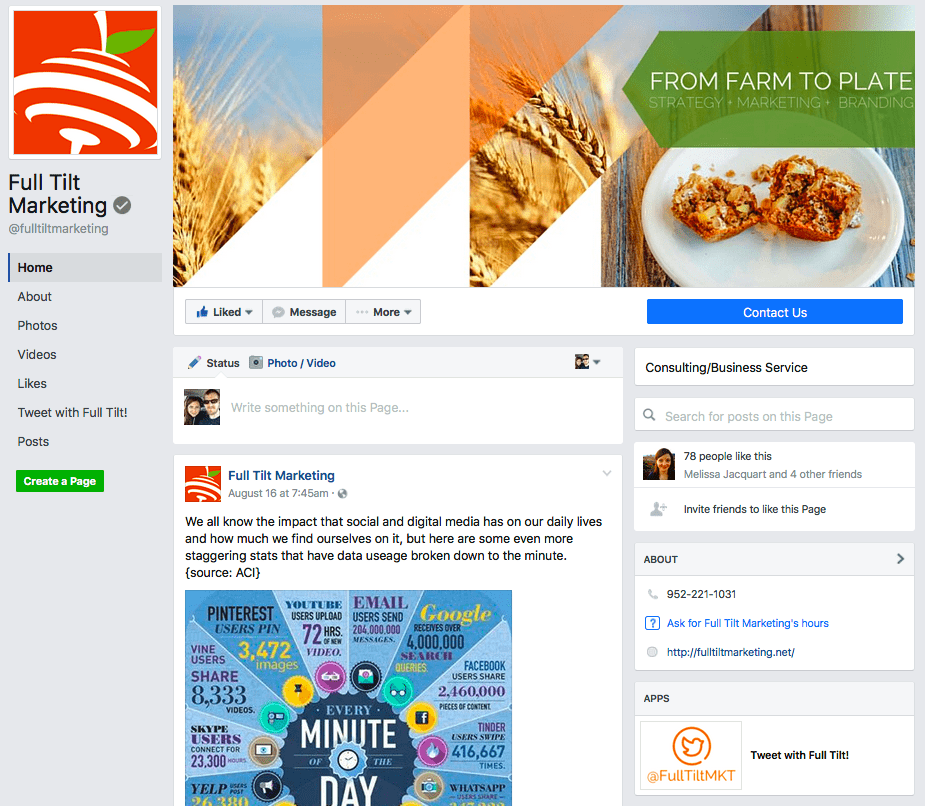
If you haven’t noticed by now, there have been a few changes in how your business or brand’s page looks. One of the bigger changes is that your profile photo and page information no longer overlaps with your cover photo. Which means you now have the entire space of the cover photo for branding and messaging.
Your photo sizes though have remained the same:
- Profile photo: 160px x 160px
- Cover photo: 828px x 315px
More Prominent CTA Button
Your CTA button is now bigger, brighter and even more prominent to page visitors on both desktop and mobile versions. If you’re not already using this button to drive your visitors to something, now is the time to set it up! Even if you aren’t selling anything or have a business to visit or number to call, select the “Learn More” option and send them to your website.
Better Page Navigation
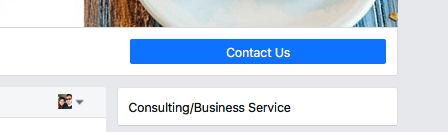
Overall, the design of the new page layout has a much cleaner look and is easier for visitors to understand and navigate. Your list of page tabs now appears as a list of links down the left-hand side of your page, next to your newsfeed and underneath your profile picture.
The right-hand side of your page now contains your About section, Apps, Photos and Reviews. A nice change to this layout is that right-hand column ads have now been removed from pages so there will not be any distraction away from your messages!
Newsfeed Changes
Yet again another algorithm change in how users see stories and posts in their newsfeed, unfortunately, meaning you’ll have to work harder and more strategically to ensure your messages remain seen.
The change will now favor stories that are more “personally informative” as set by the users own actions. What exactly does “informative” mean? It means that they will see more posts that are:
- Related to their interests
- Engage them in broader discussions
- Contain news about the world around them
Which means it could be anything from recipes to local or global news. Facebook will actually look at how your posts connect with their actions through a few different manners:
- What is the relationship between the page and the user?
- What do the user click on?
- What do the user comment on?
- What do the user share?
Long story short, to ensure that your messages are still reaching your users on a regular basis, you’ll just have to look at your posts and really ask yourself, how does this pertain to our followers and how will they interact with it? A rule of thumb I like to tell everyone, just remember that you’re competing with family photos, Buzzfeed articles and foodporn style recipe videos – how does your message show through all of this and personally connect with the user?
Facebook Ad Changes
Along with the newsfeed changes, Facebook subtly also announced some new changes regarding ads.
The major update being that ad blocker software will no longer work when users access Facebook from desktop computers. For those that are unware, certain ad blocker plugins exists that will hide any sort of online digital ads from the user. While the ad blocker company has come out to say they will continually work to develop workarounds, they ultimately will not be able to keep up with the powerhouse that is Facebook. So good news for brands and business that rely heavily on social media ads for their targeting, or have a large demographic that utilize their desktops versus mobile devices.
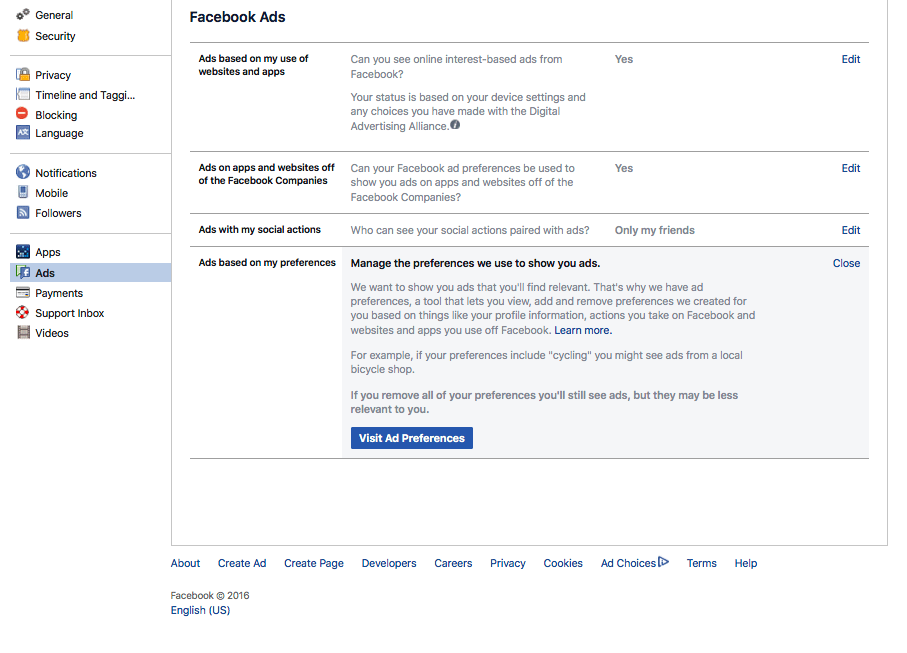
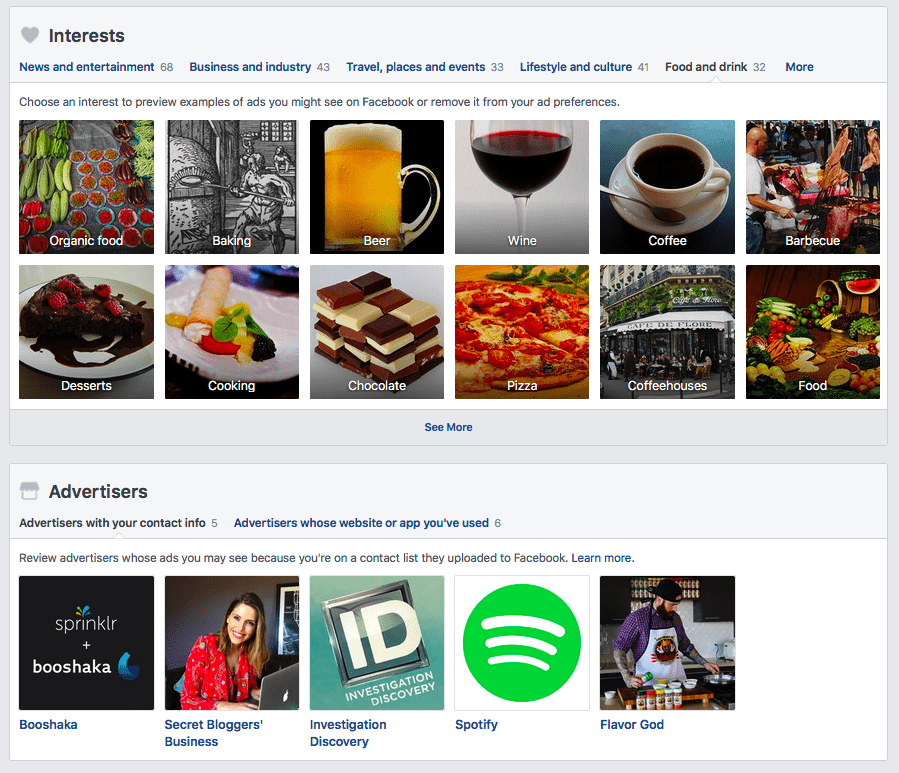
On the flipside of the recent change to adblocks, users will now have more control over what ads they see. This change had been rolled out to a select group for targeting a few months ago, but has now been rolled out to all users.
How it works:
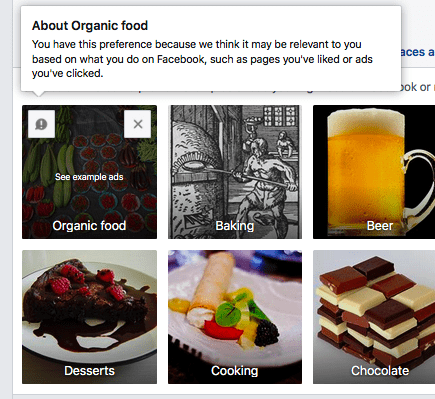
- Users can now see what “interests” advertisers are using to target them with ads through the Ad Preferences section in the Settings section in their profiles.
- Once they are in the Ad Preferences section, they can view the list of interests that are being targeted, as well as which advertisers have their contact information (typically from signing up for a newsletter or ordering a product from them).
Live Video Changes
Facebook has also rolled out a few change to their live video format including a video only mode where broadcasters and viewers can temporarily hide reactions and comments as well as increasing the amount of time you can stream live (up to 4 hours now). Stay tuned for a future post on how live Facebook videos can help your brand!
Questions about Facebook, the recent updates, or what your brand needs to do to keep current with the changes? Feel free to shoot us an email or send us a message on Facebook.
Written by Alison Eiler
Project Manager + Director of Social Engagement
Alison@FullTiltMarketing.net
